Build Log + Daily Note
What it does for you
A frictionless single-file daily note that auto-saves and feeds the case-study pipeline.
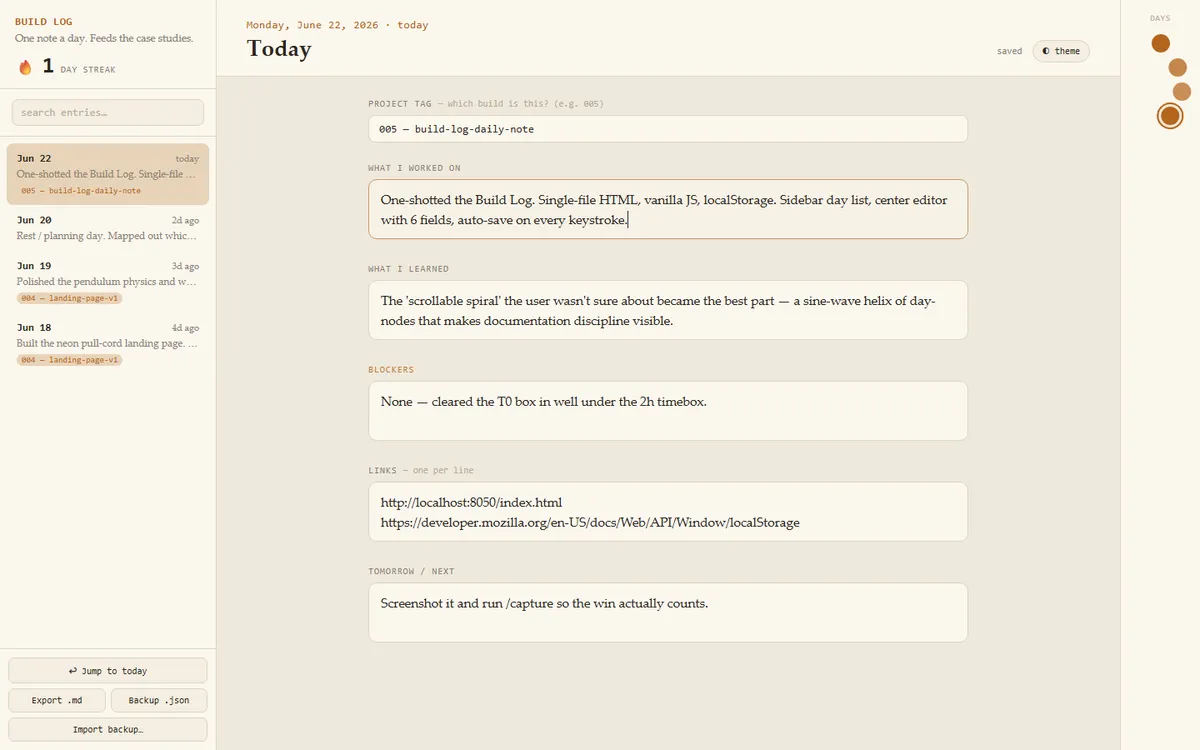
Screenshots
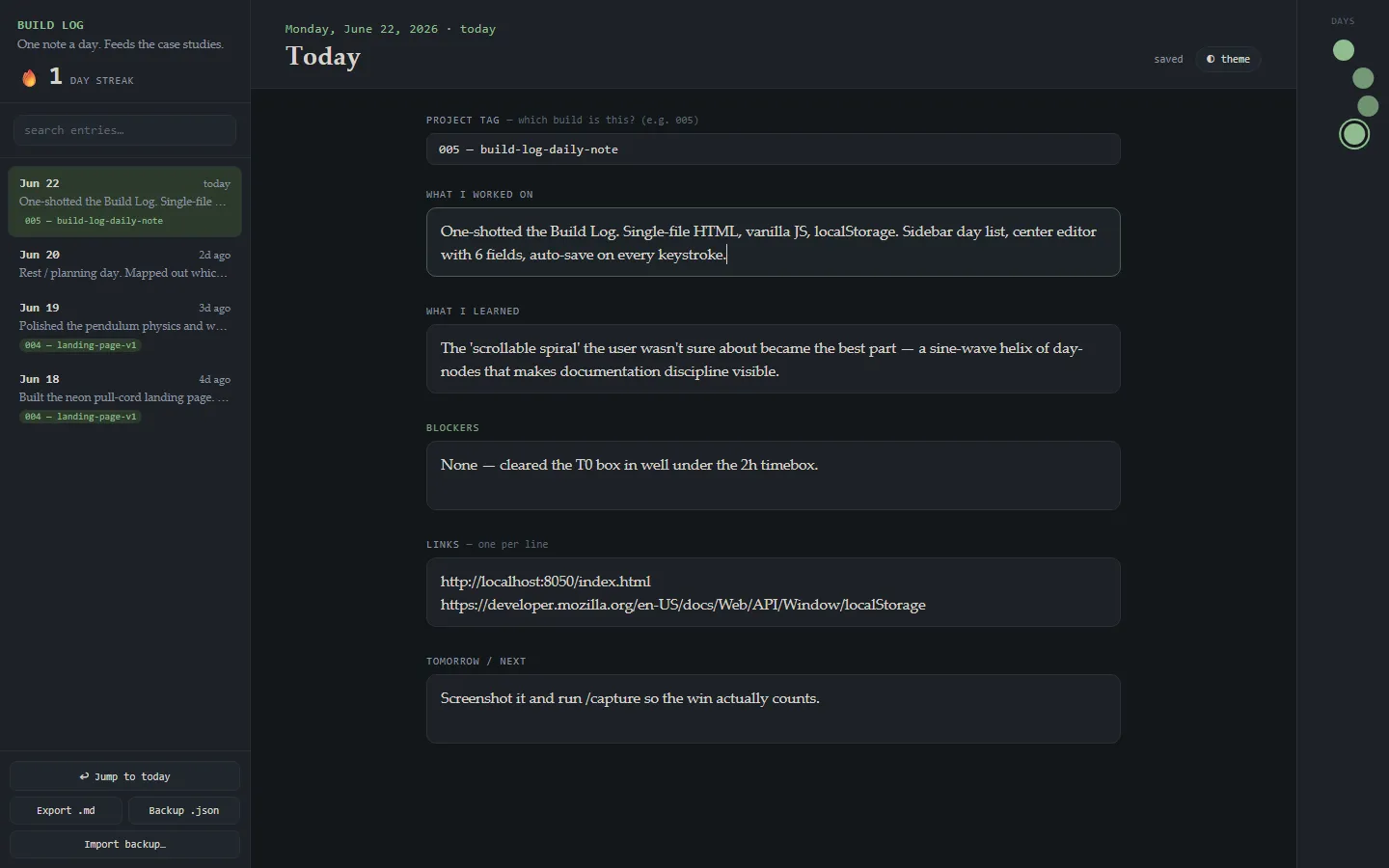
In more detail
A daily note that's already open to today when you load it. You jot down what you built, what you learned, what blocked you, and what's next, and it saves as you type. It's the capture habit behind the case studies, so it had to be faster than opening a blank text file.
Honest limits
No automated tests. Everything lives in one browser's localStorage, so the log is stuck on that machine unless you export it. The streak logic and the merge on import were checked through the seeded demo and screenshots, not a test suite.
How I built it
Claude Code, about an hour, one-shot. The reason it landed in one pass is that I ran a brief-before-build step. Claude proposed the data model, how browsing past days should work, and some extras, then asked me four scoped questions. My answers were the spec.
It's one index.html with no build step. One entry per day across six fields: project tag, worked on, learned, blockers, links, and tomorrow. It saves to localStorage on every keystroke, lands on today with the cursor ready, and keeps a streak count. A left rail lists and searches past days. Entries export to Markdown and to JSON for backup, with a merge on import that respects timestamps.
I also said something vague like "some scrollable spiral on the right side idk why." Claude turned that into a sine-wave timeline where each day is a node and the fill gets stronger the more you wrote. It ended up being the most distinctive part of the page.
Two fixes along the way. The design hook flagged a thick left border on the Blockers field as a classic AI-generated look, so we swapped it for a label color. And the screenshot run kept exiting before it saved the image.
What I learned
- Writing the field list before any code is what makes a one-shot land. The clarifying questions were the real spec.
- Build the odd request so you can see it. The "idk why" idea turned into the best part of the UI.
- Headless Chrome detail:
--headless=newwith--virtual-time-budgetcan exit before it writes the screenshot. Classic--headlesswith a saved--user-data-dirworked and kept localStorage between the seeding step and the capture. - Saving on every keystroke removes the one step most likely to break a daily habit: remembering to save.
What carried forward
The export uses one buildMarkdown() function as the handoff to the case-study pipeline, the same approach as #2's generator. The brief-then-ask habit is the one I leaned on most. In September, that turned into a written shared build brief that every parallel builder got before it started. And the headless Chrome lessons kept stacking: #7 needed absolute Windows paths, and #8 used a seeded state for its cover shot.
If I took it further
I'd add optional cloud sync so the log isn't trapped in one browser, and let the Markdown export filter by project tag so one project's notes drop straight into its case study.
#005 Built with Claude Code June 22, 2026