Markdown to Slides
What it does for you
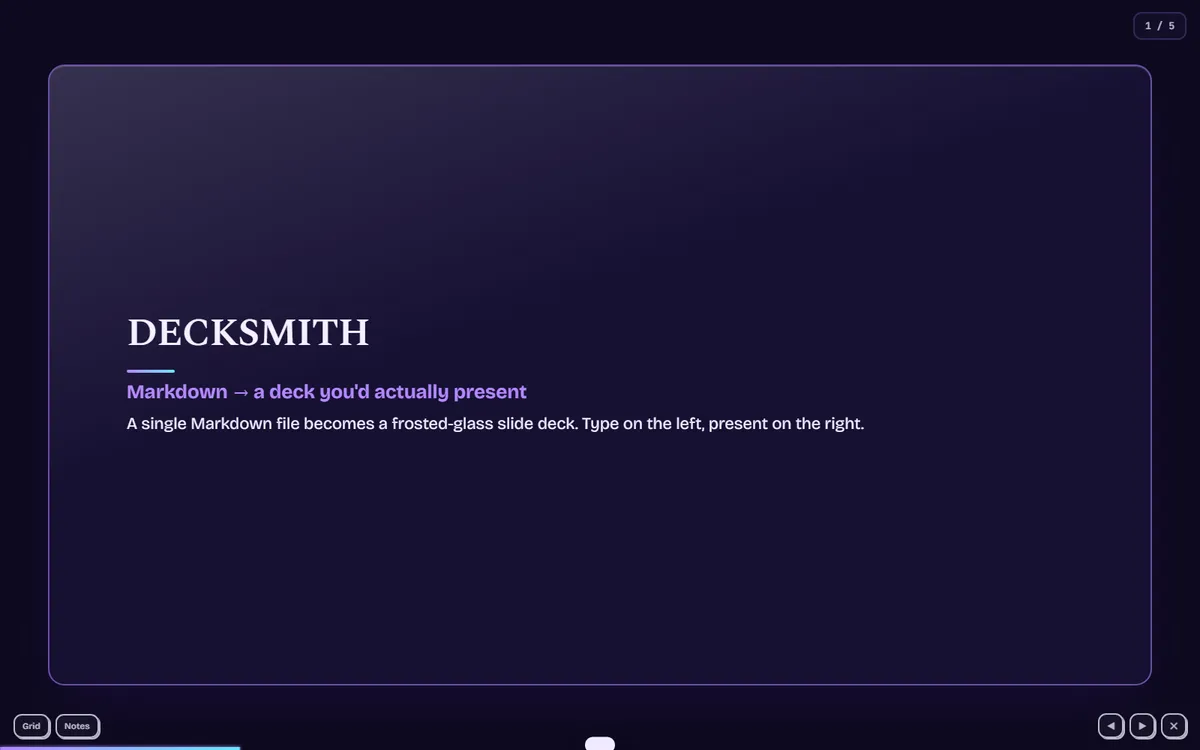
Paste Markdown, get a frosted-glass slide deck you can present or export, one self-contained HTML file, no build.
In more detail
Paste notes written in Markdown on the left, and a slide deck shows up on the right. You can present it fullscreen, print it to PDF, or export it as one standalone HTML file you can hand to anyone. No presentation app to install.
Honest limits
No automated tests. The parser is small and hand-written: headings, bold and italic, inline code, lists, blockquotes, code blocks, links, and images. It isn't a full Markdown implementation. The fonts load from Google Fonts with system fallbacks. There are no layout controls like two-column slides, and no drag-and-drop image import.
How I built it
Claude Code, about 2 hours. I set the scope and the look: "frosted brutalism, glittery, smooth, over the top." Claude Code built the whole single-file app in one pass: a hand-rolled Markdown parser, a slide splitter that breaks on --- (or on each heading if you want), a present mode with five transitions, keyboard navigation, an overview grid, speaker notes, four themes, autosave, and the standalone HTML exporter.
Then it looked done and wasn't. A headless Chrome screenshot came back with an empty app: no slides at all. Claude pulled the browser console and found Octal escape sequences are not allowed in template strings. A CSS quote glyph, \201C, was sitting inside a JavaScript template literal, and that one character stopped the whole app from starting. Double-escaping it fixed the render.
The design hook also flagged six things. We swapped the default font pairing for Bricolage Grotesque and Spectral, moved the progress bar from a width animation to a transform, and replaced a side stripe on blockquotes with a hanging quote mark. After that, the checker came back clean and a re-run showed 5 slides rendering with 0 JS errors.
What I learned
- Screenshot-verify, don't assume. A code read would have missed a total render failure. A headless screenshot caught it in seconds.
- Template literals quietly reinterpret escapes. CSS escapes like
\201Care fine in a<style>block but break inside a JS backtick string. When you generate CSS from JS, you need\\. - Markdown parsing has state. A naive splitter breaks the moment someone puts
---or#inside a code block. Tracking whether you're inside a code fence is the difference between a toy and a tool. - Design lint needs judgment. A left border on a blockquote is a normal typographic convention, but redesigning it beat just switching the rule off.
What carried forward
The screenshot habit is the big one. By September, "both screenshots present" was one of the checks every project had to pass before Claude Code would merge it into the tracker. The font hook kept catching my default picks on #8, #9, and #10 too, and Bricolage Grotesque came back as the display face on #10.
If I took it further
I'd add drag-and-drop images and a couple of layout directives, like a split marker for two-column slides. The parser is the natural place to grow, and layout control is the first thing a real user would ask for.
#006 Built with Claude Code June 22, 2026